Jump to a section
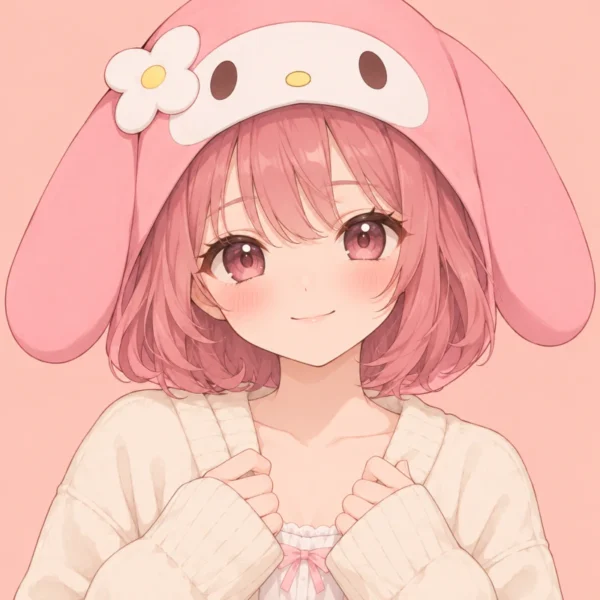
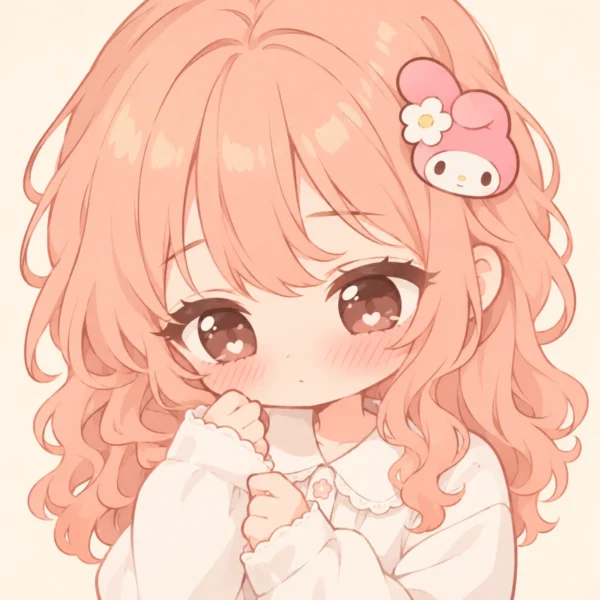
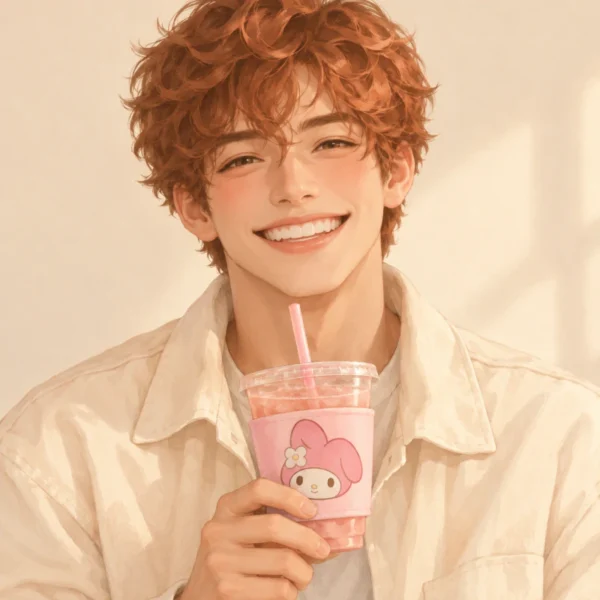
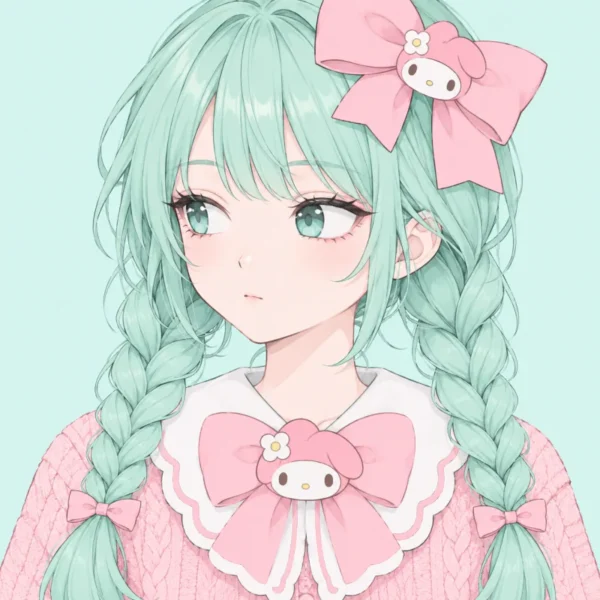
Looking for the latest my melody pfp ideas? This page brings you 120+ picture ideas across cute, aesthetic, pink, anime, girl, dark, and matching styles. Choose a close character portrait or a human avatar with clear My Melody details. Each picture puts a readable face first, with enough space for a clean circle crop.
Cute designs suit you if you enjoy round shapes and light colours. Aesthetic portraits use softer light, while pink choices keep a stronger colour theme. Anime versions add detailed hair and clear expressions. Dark pictures keep the face bright, and matching sets give friends two separate pictures that belong together.
These designs are planned for Discord, Instagram, TikTok, X, and WhatsApp. You will also learn how to keep ears, bows, and faces inside a round crop. Start with the Fresh Picks, compare the styles, and save the picture that feels closest to you.
Fresh Picks 6 pfps
Choose a my melody pfp with a clear face and one strong detail. These six picks mix girls, boys, anime art, painted portraits, and simple cartoon shapes.
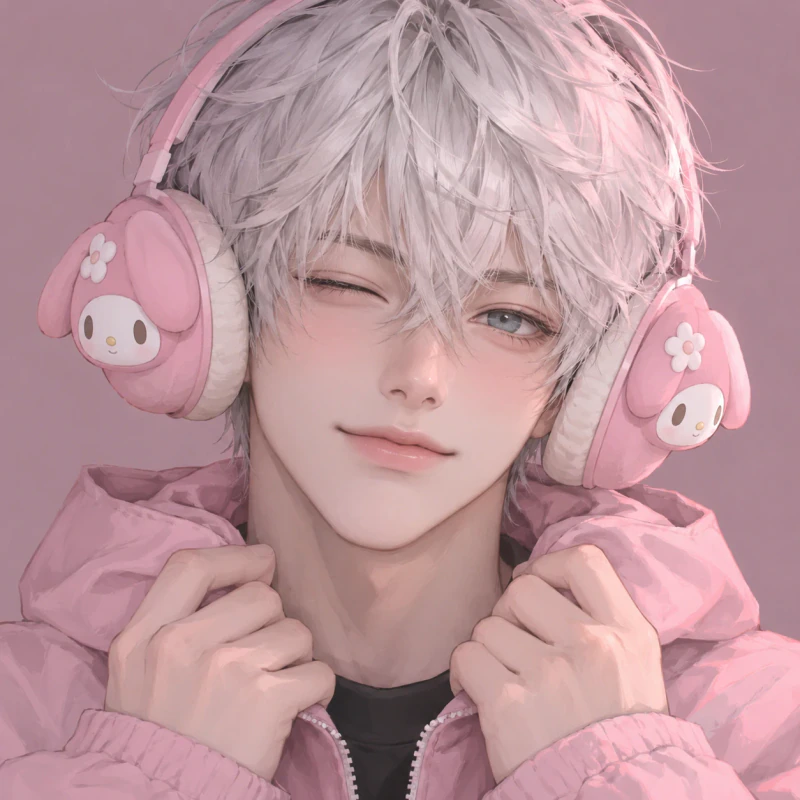

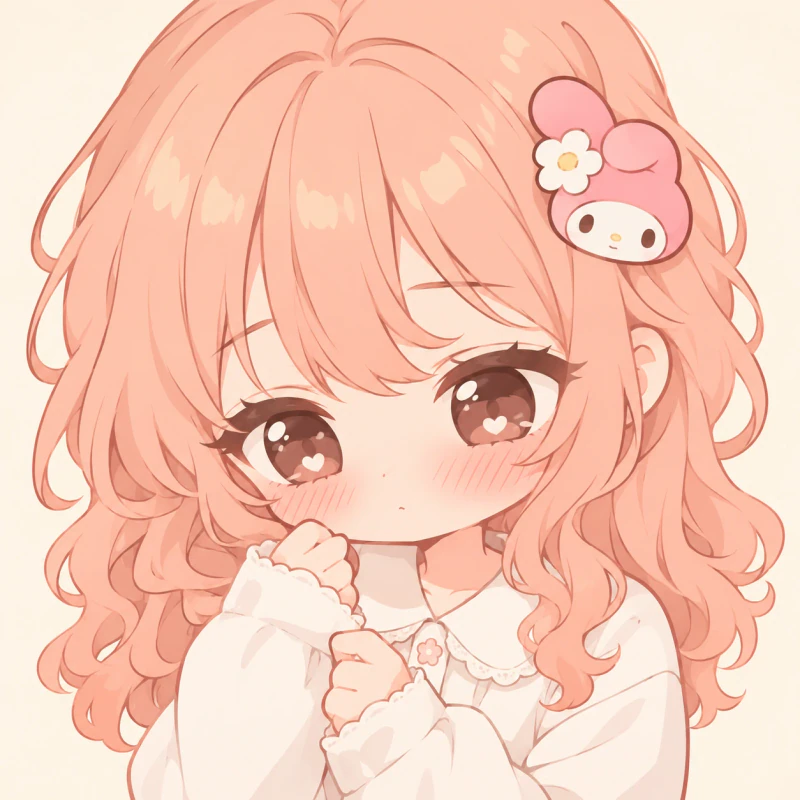
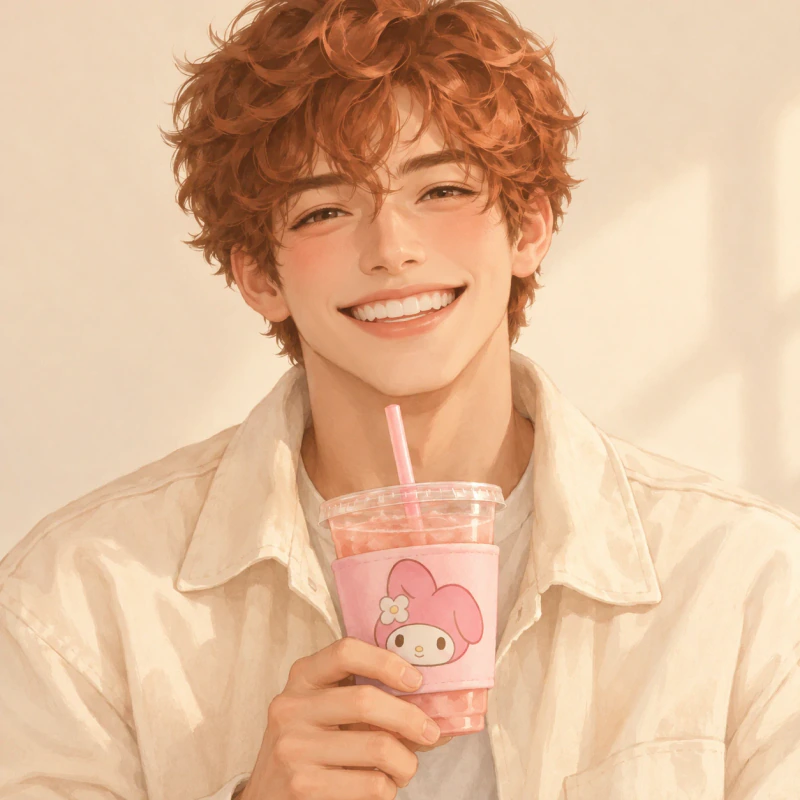
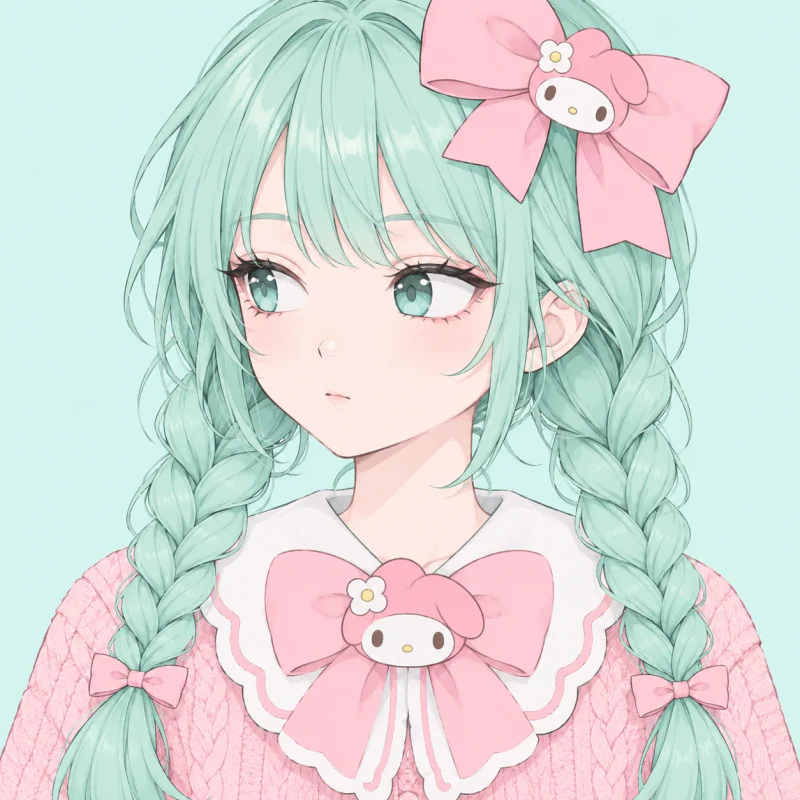
Cute My Melody PFP 6 pfps
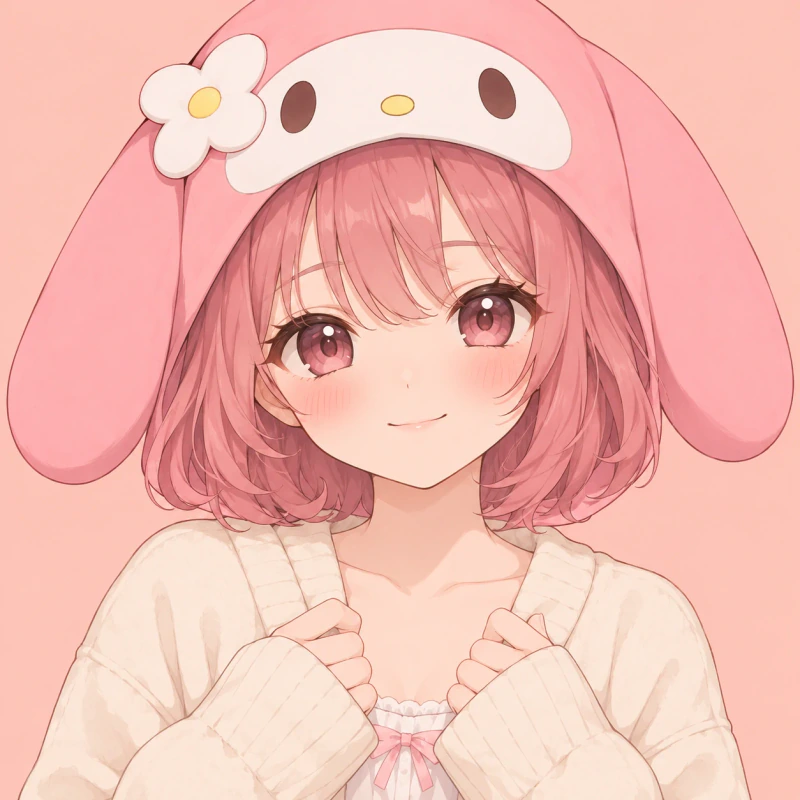
A Cute My Melody PFP uses round shapes, clear eyes, and gentle colours. These six choices mix character portraits with boys wearing small themed details.
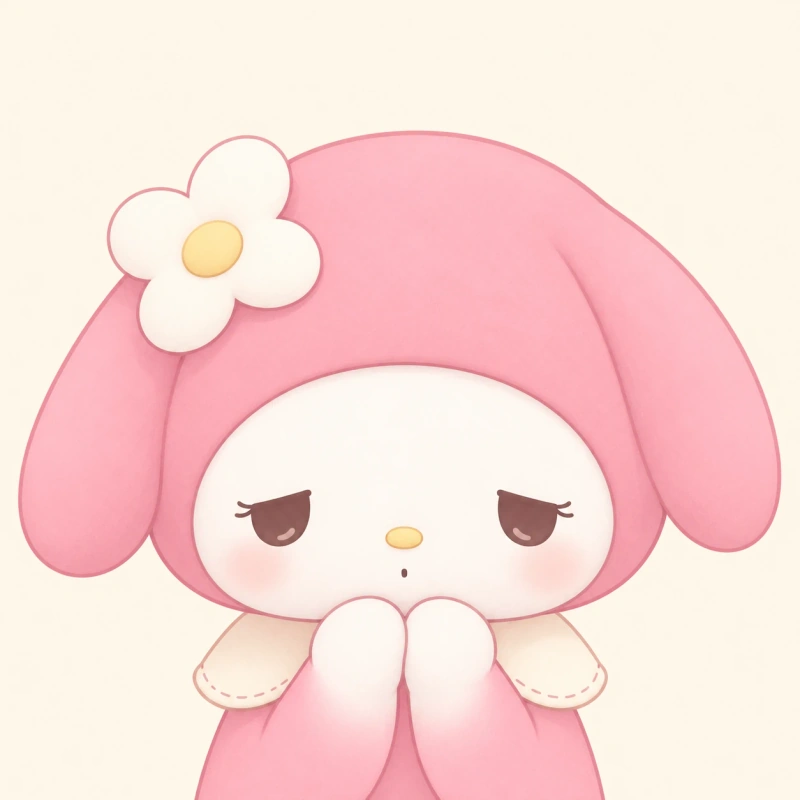
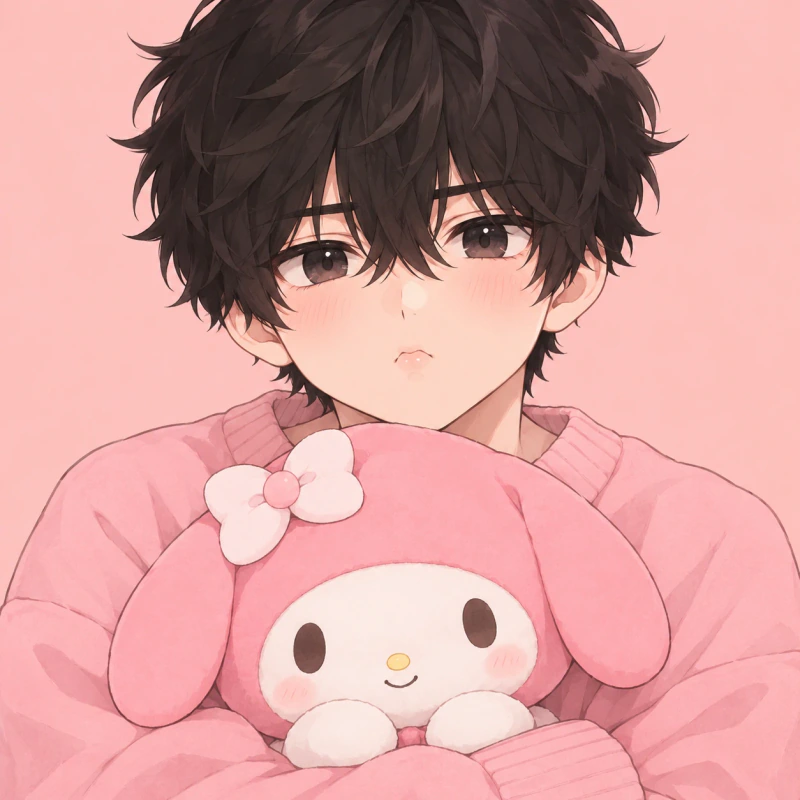
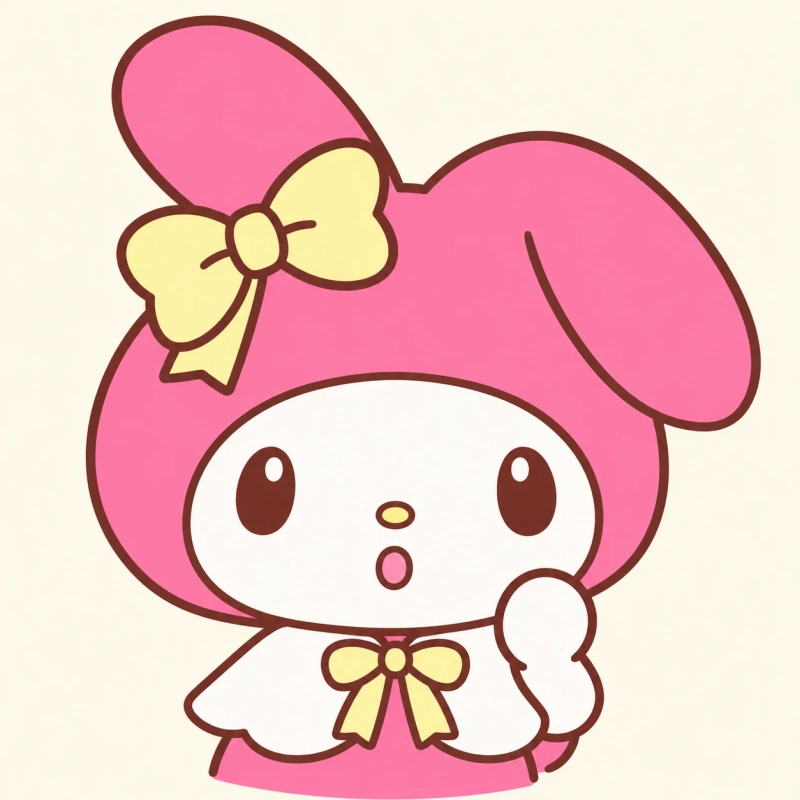
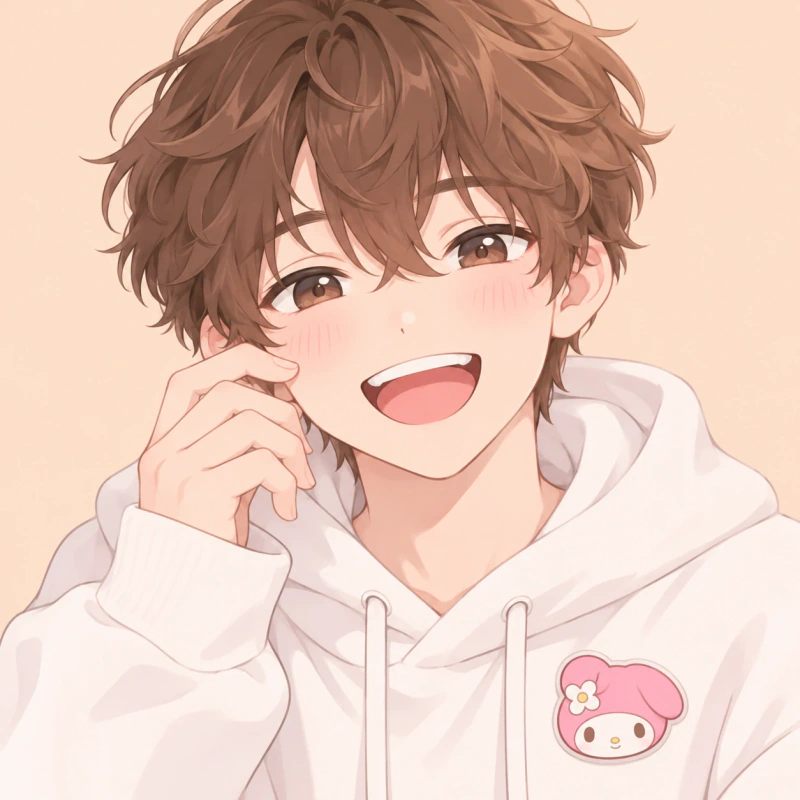
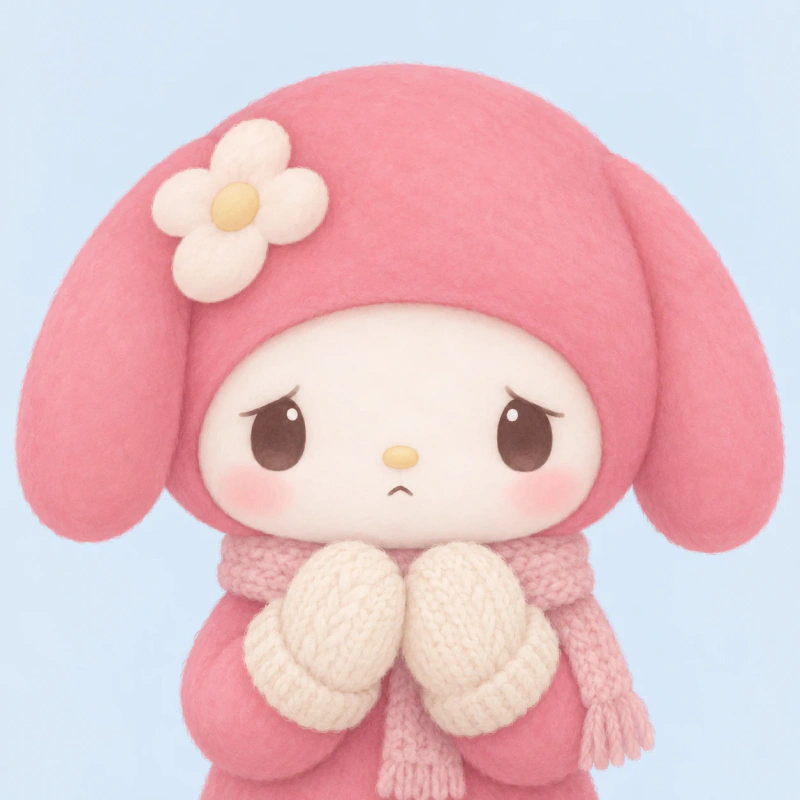
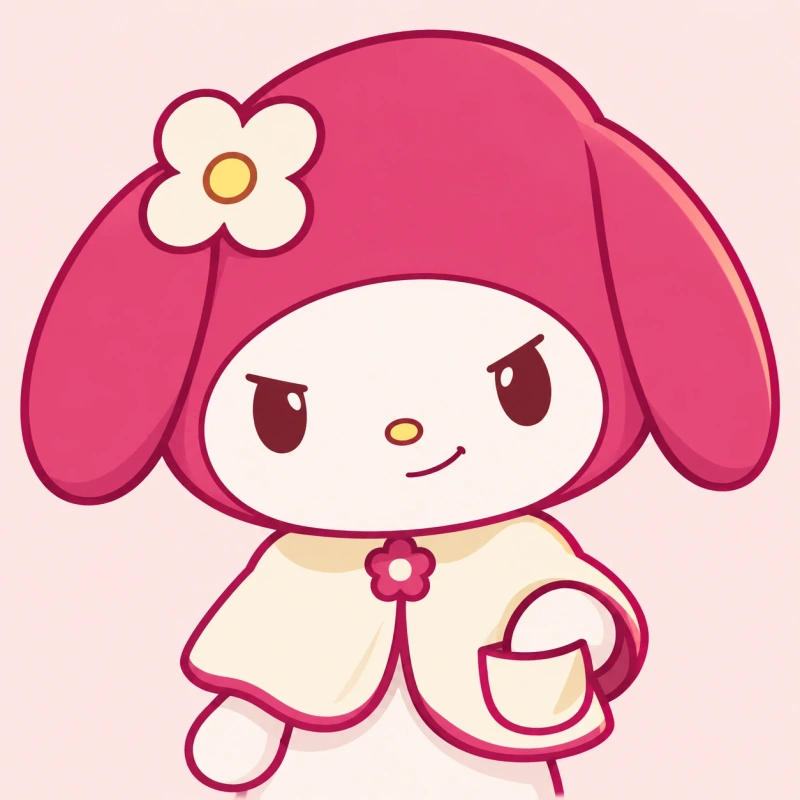
Cute My Melody PFP designs put the face ahead of small decorations. Round cheeks, simple eyes, and broad hood shapes give each picture a clear centre. Pink leads the palette, but cream and pale blue stop the pictures from feeling too crowded.
The rabbit portraits range from sleepy to playful, so cute does not have to mean cheerful. The two boys offer another route through clothing and a plush toy. Their faces stay larger than the themed details, which keeps the portrait personal rather than turning it into a product picture.
Pick this section if you want a friendly-looking account without a busy background. Before saving, shrink your choice to a small preview. If the mouth disappears, choose the version with a stronger expression or crop closer around the cheeks.
My Melody Aesthetic PFP 6 pfps
For a My Melody Aesthetic PFP, softer light and quieter backgrounds shape the picture. These portraits mix painted character art with relaxed human faces.
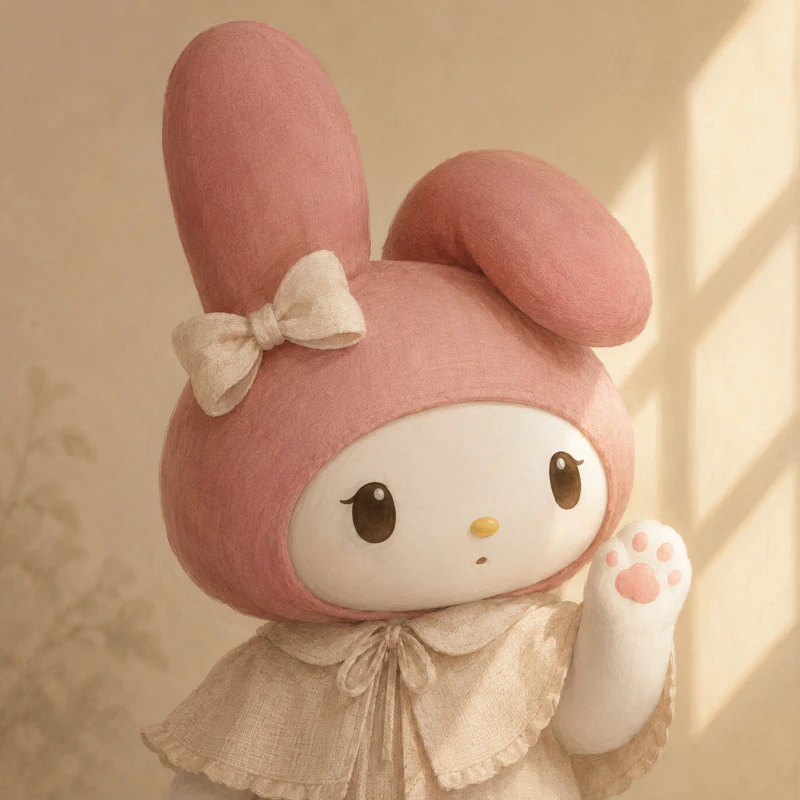
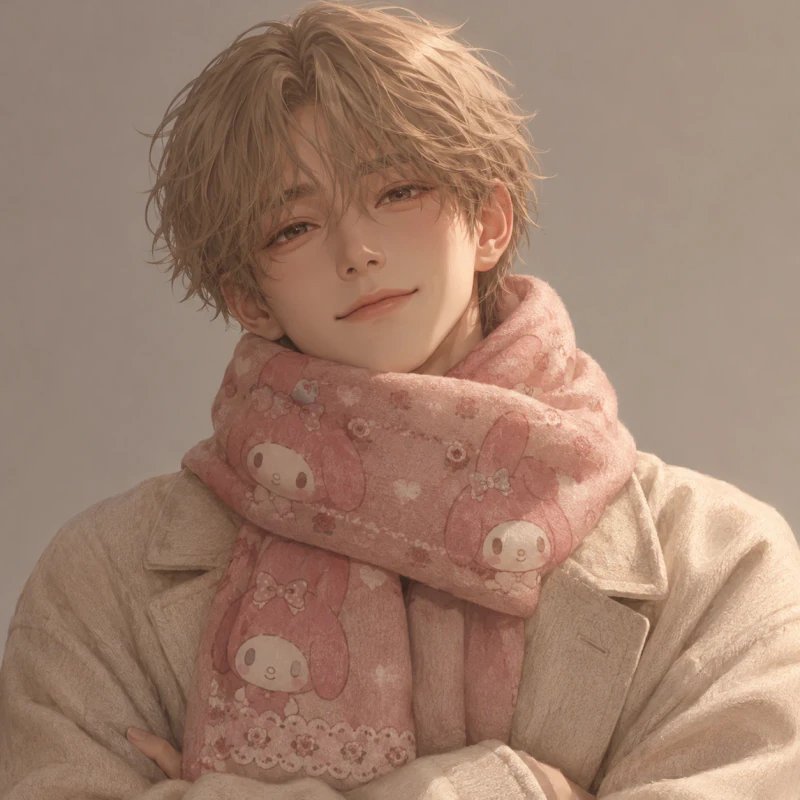
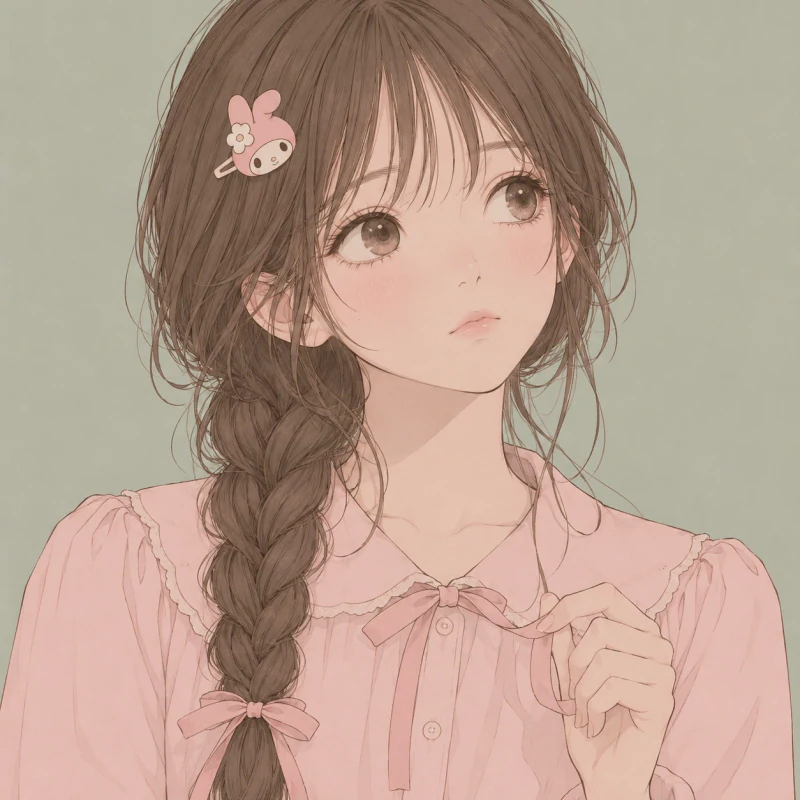
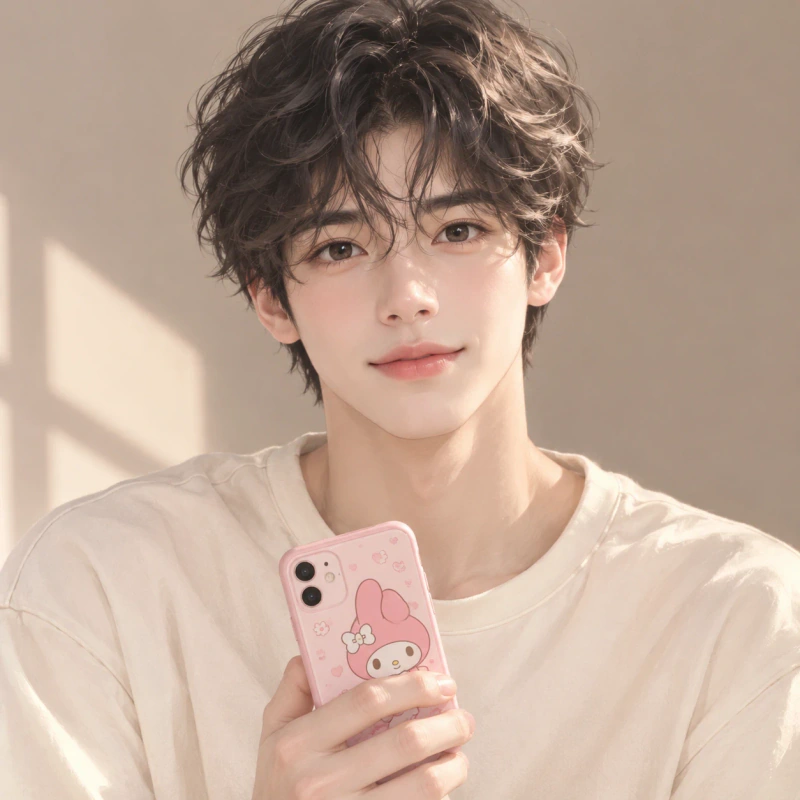
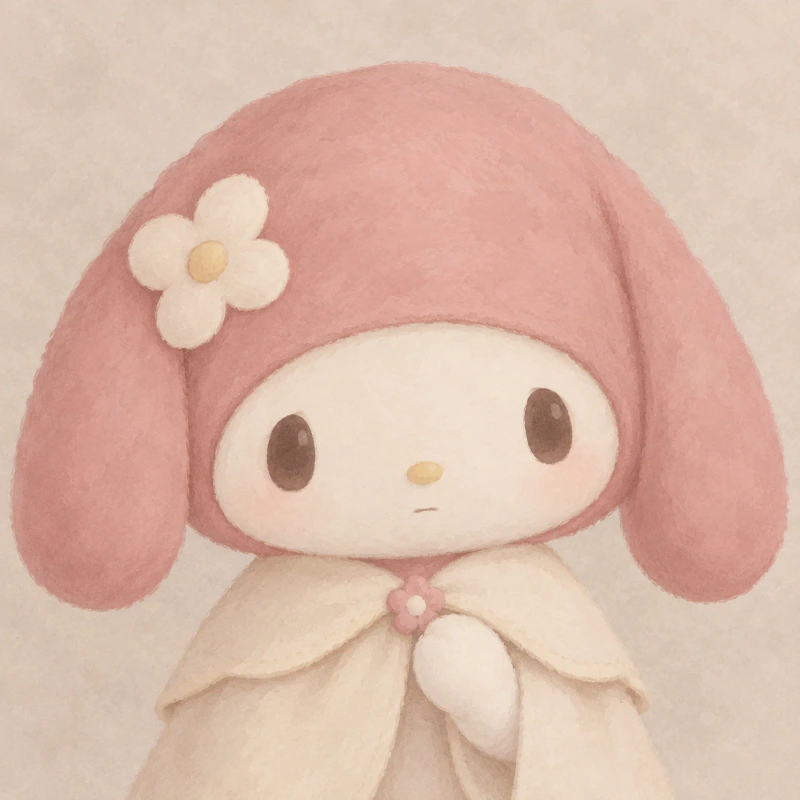
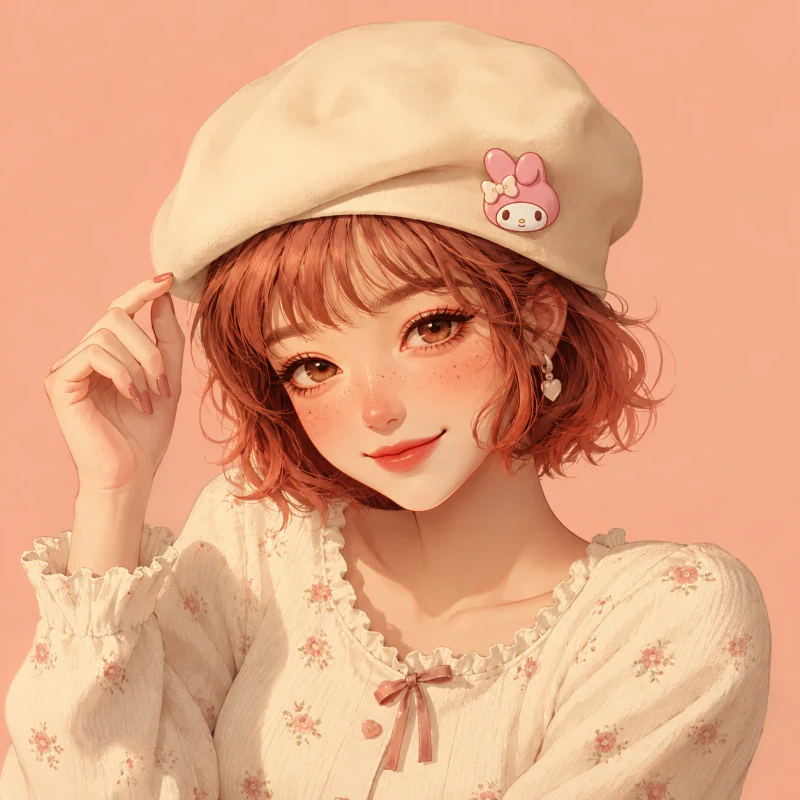
Compared with the cute section, these pictures rely less on bold reactions. Dusty rose, beige, and faded peach create a quieter look. A My Melody Aesthetic PFP can still feel clear without bright colour or extra decorations.
The range includes a scarf portrait, a beret, a phone case, and two painted rabbit faces. These details let you choose how strongly the character theme appears. The brown-haired girl uses fine outlines, while the phone portrait has more natural light and softer edges.
This style suits you if your account uses calm colours or simple layouts. Keep your banner plain instead of adding several matching objects. A background colour taken from the portrait is enough to connect the page while leaving the face as the main focus.
Pink My Melody PFP 6 pfps
With a Pink My Melody PFP, the colour carries through clothing, light, and background. These six designs move from pale blush to richer raspberry.

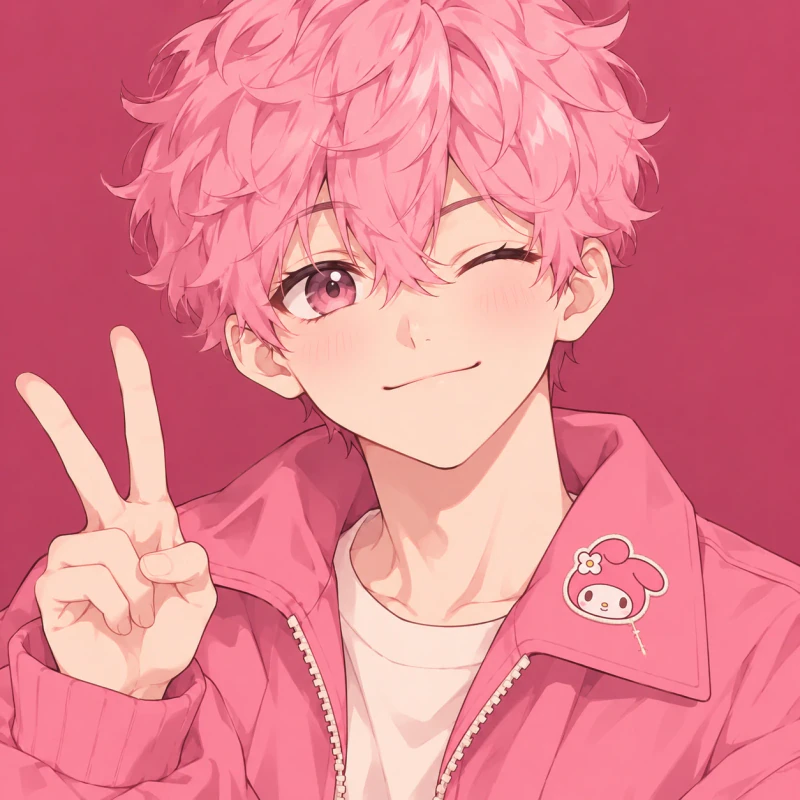
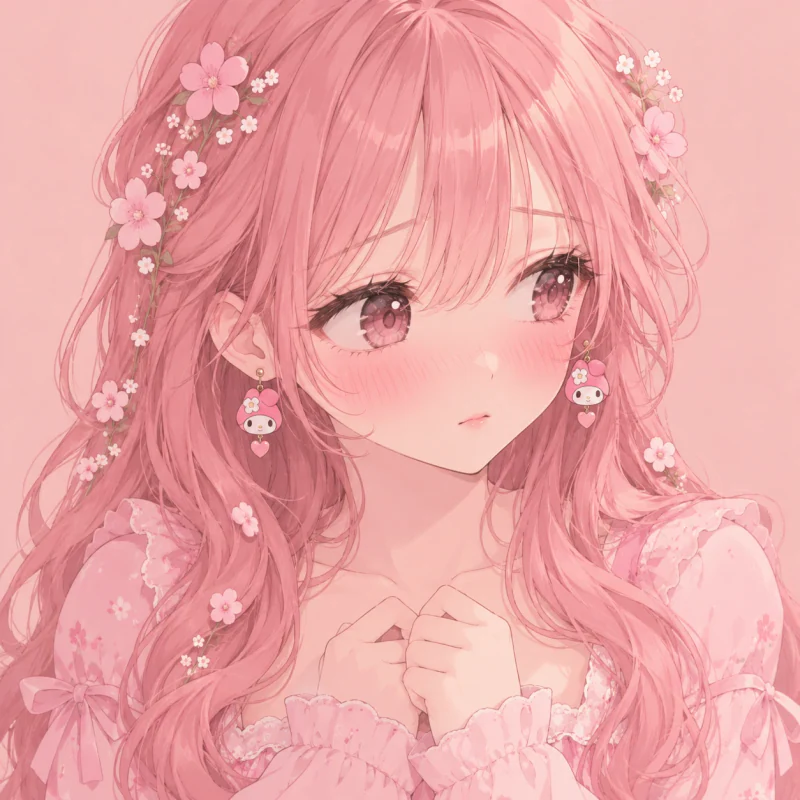
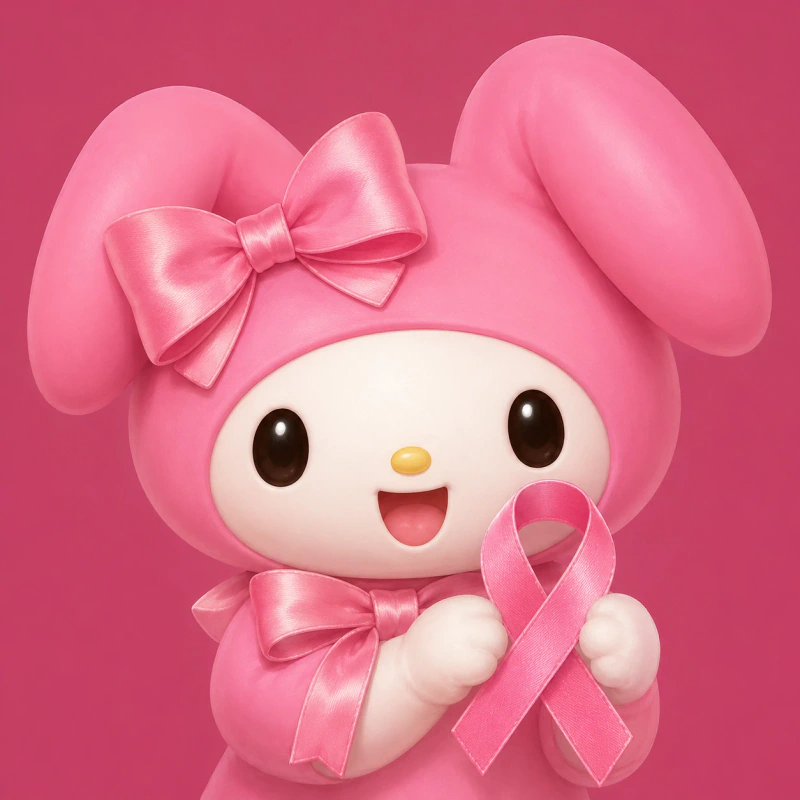
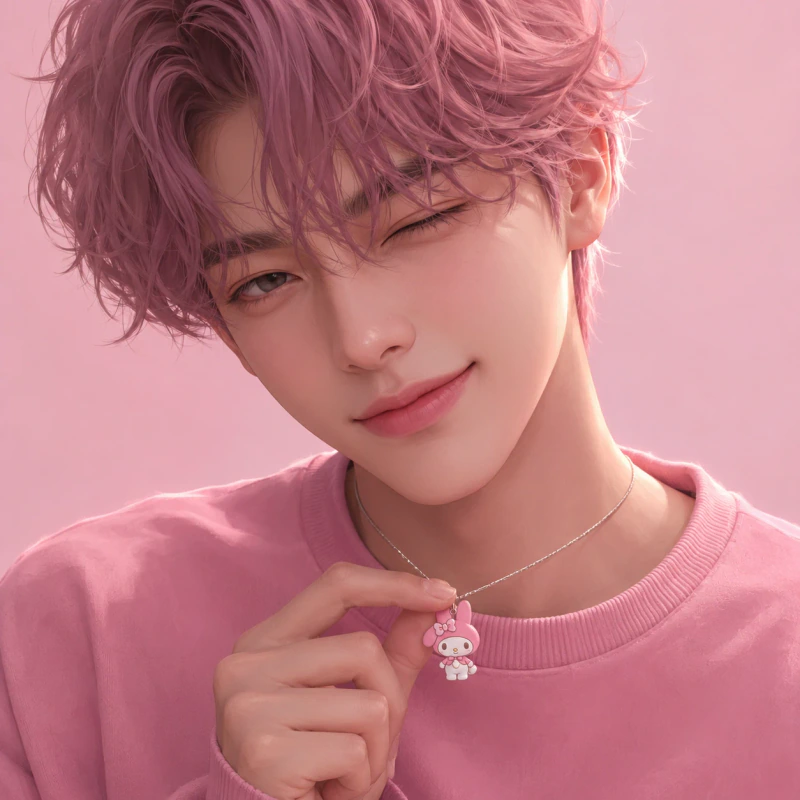
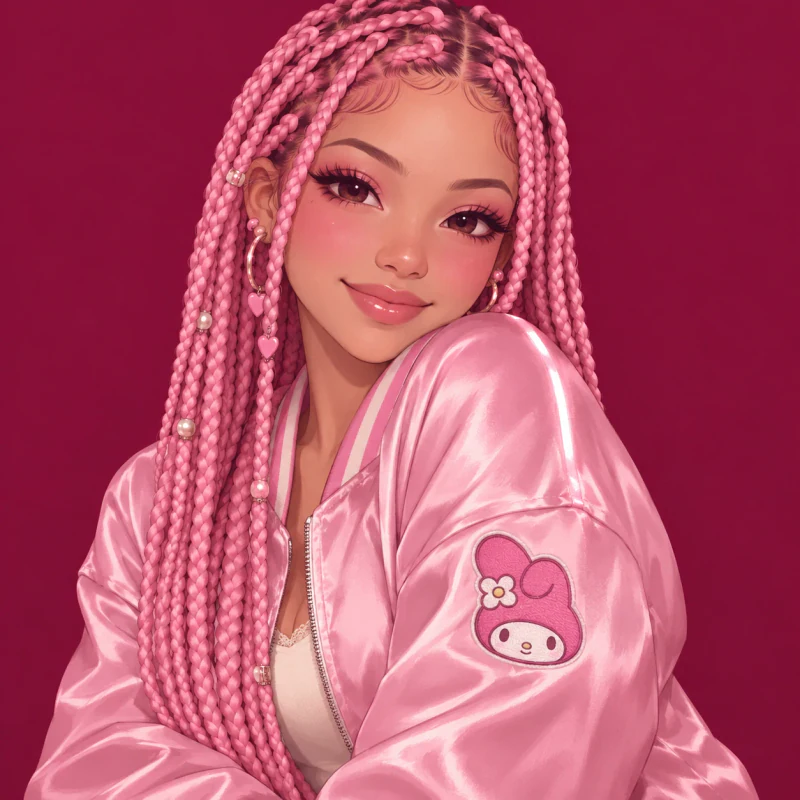
Pink changes the whole picture, not just one accessory. Pale blush feels lighter, while raspberry gives white cheeks and pale hair a stronger edge. The light stays soft so the colour does not hide the eyes.
These Pink My Melody PFP choices include rabbit portraits, anime faces, and a painted boy with a necklace. The ribbon design keeps the shapes broad. The braided girl adds fabric shine, while the flower portrait uses smaller details around a large face.
Choose the shade that stays clear against your usual app screen. A pale picture may need a deeper background, especially beside white menus. Avoid adding a pink filter after saving, since it can reduce the difference between skin, hair, and clothing. Let the original colour choices do the work.
Anime My Melody PFP 6 pfps
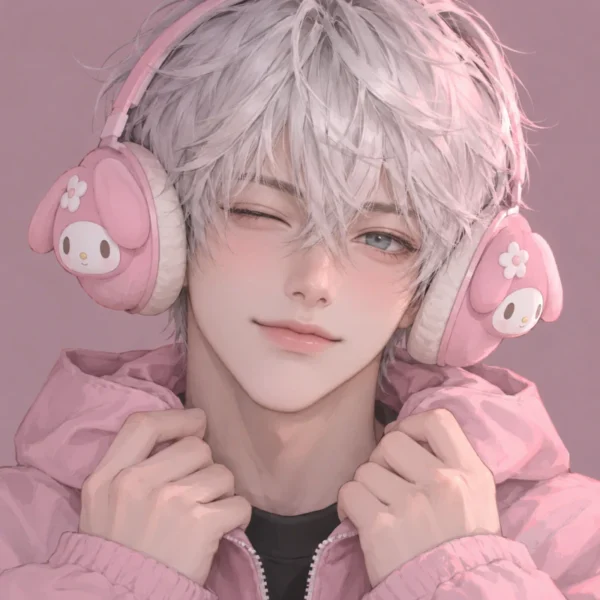
An Anime My Melody PFP adds detailed hair, clear expressions, and themed clothing. Here, three girls and three boys offer different ways to wear the character.
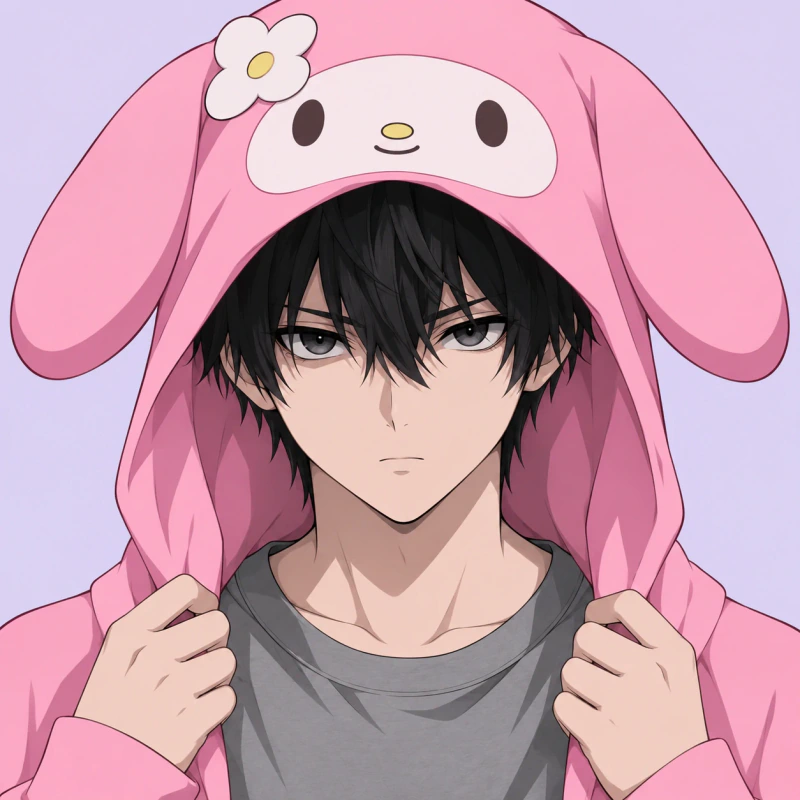
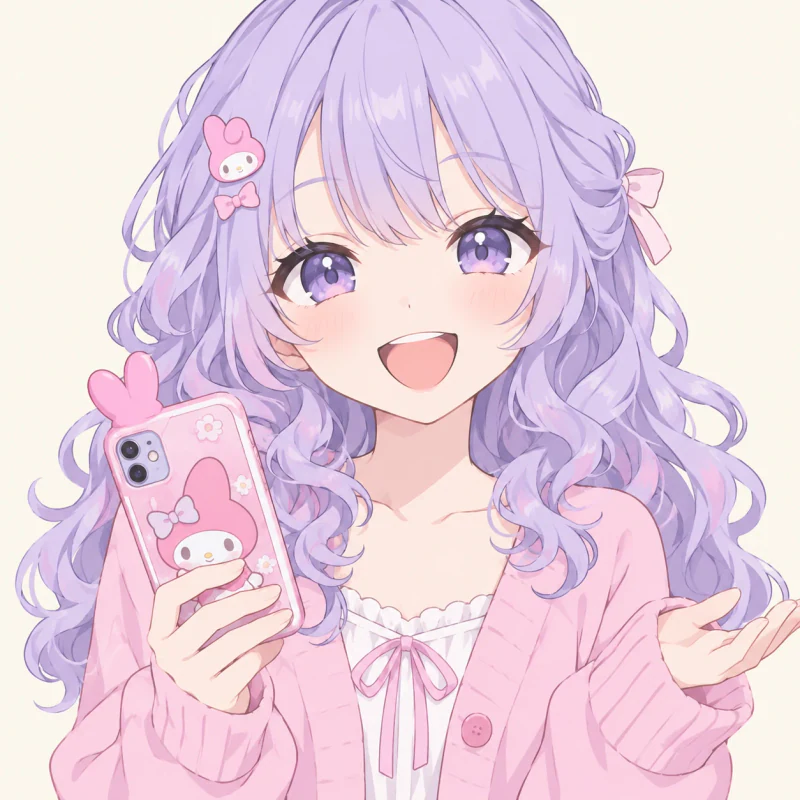
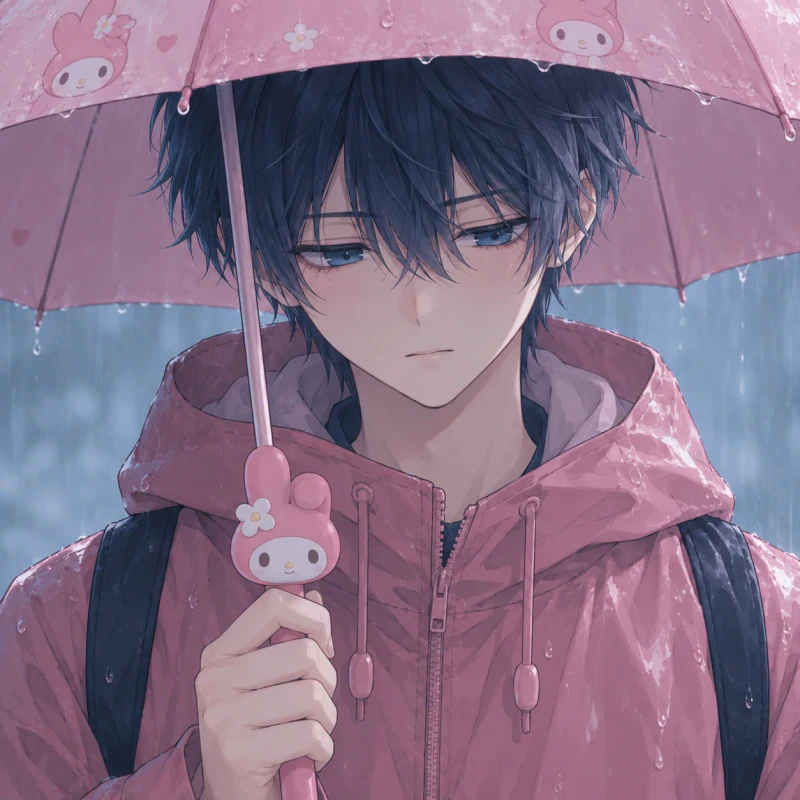
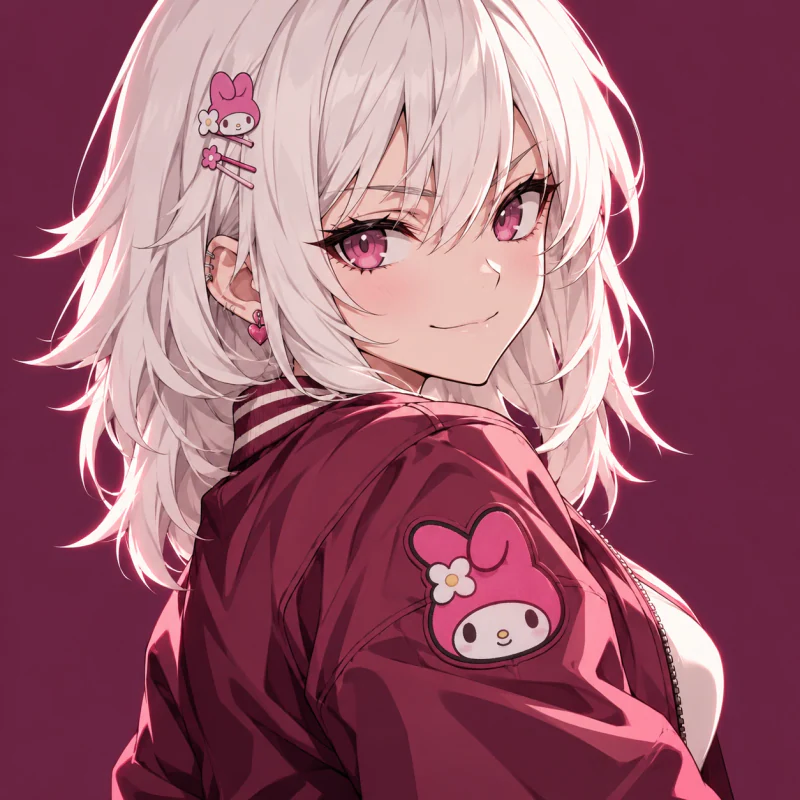
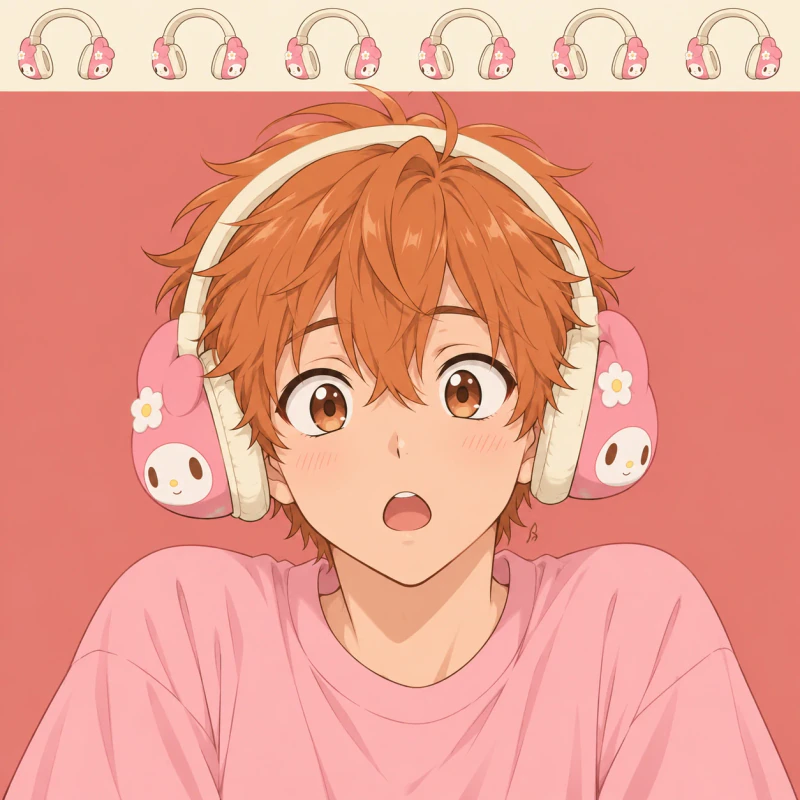

A common mistake with anime avatars is making the outfit more detailed than the face. Small badges, clips, and cases should support the character theme. They should not push the eyes into a tiny part of the square.
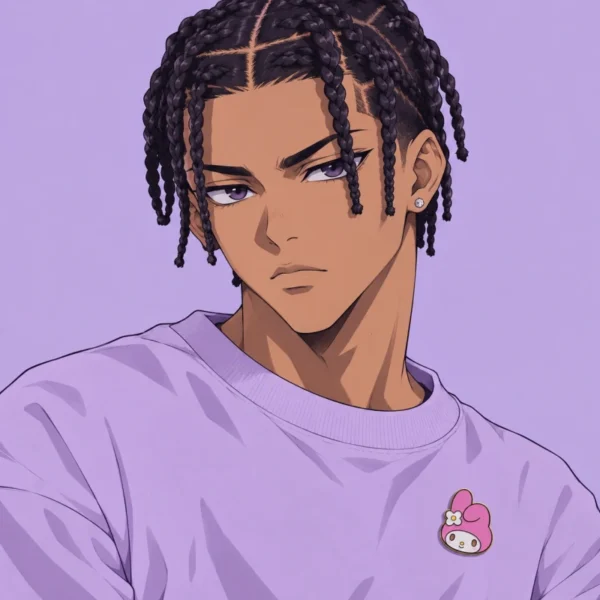
This Anime My Melody PFP group uses three girls and three boys, each with a different expression. Some wear the theme openly through a hood or headphones. Others keep it smaller with a phone case or shoulder patch. The pink details connect them without giving every person the same look.
These portraits suit you if you want a human avatar with a clear character reference. Check that hair does not cover both eyes at thumbnail size. For the turned portrait, keep enough cheek and jaw visible so the face still reads inside a circle.
My Melody Girl PFP 6 pfps
Each My Melody Girl PFP below keeps the face central and the character details easy to spot. Choose from anime, painted, and cartoon portraits.
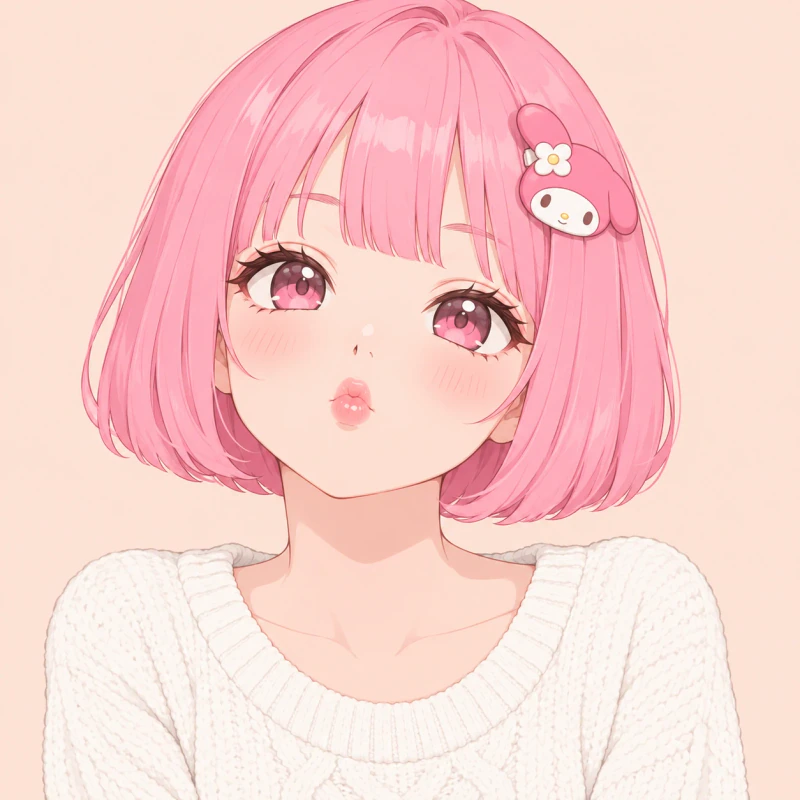
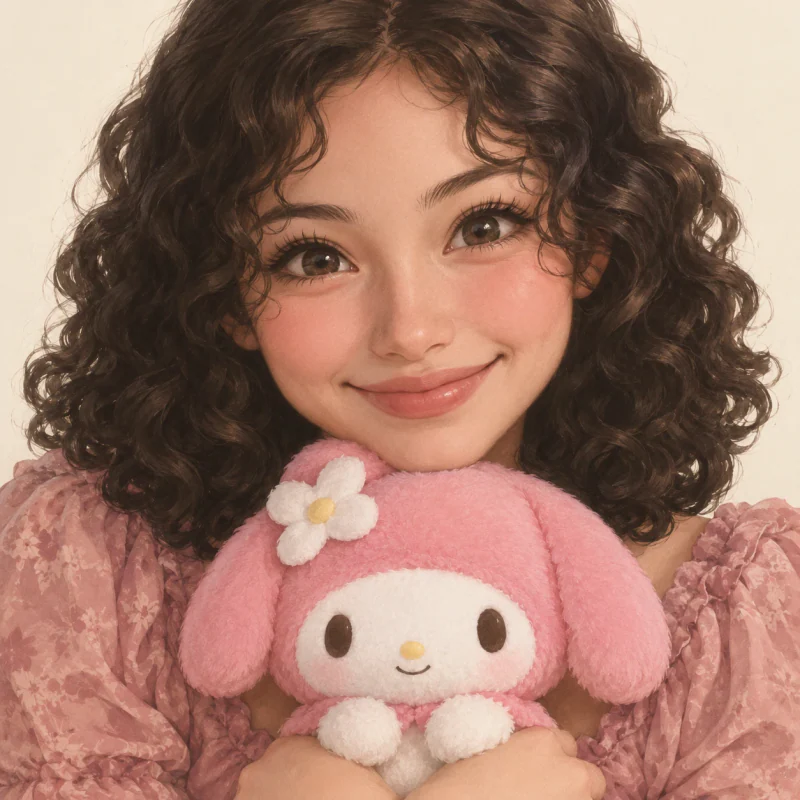
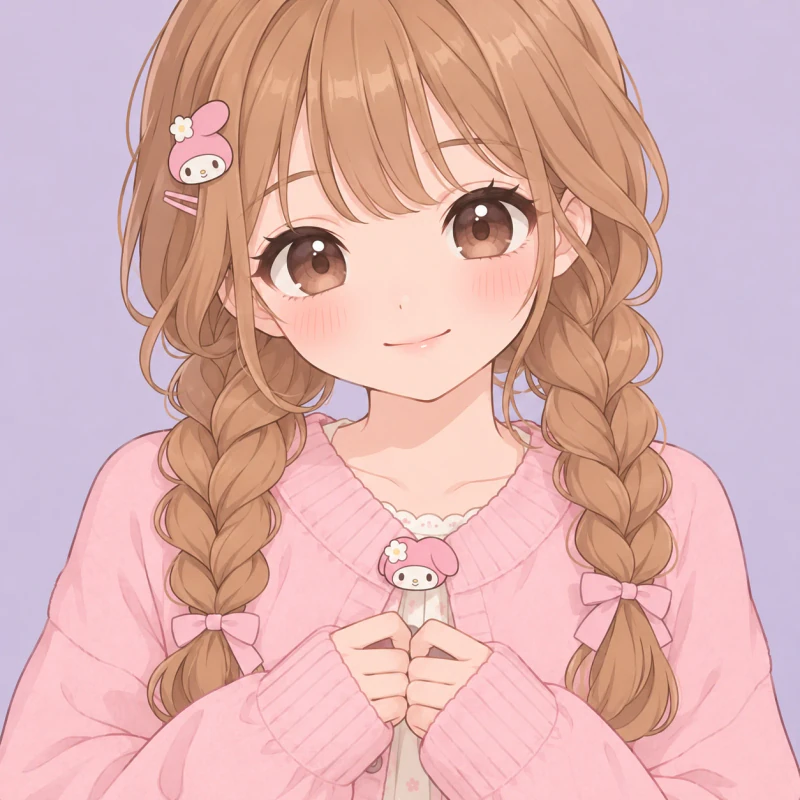
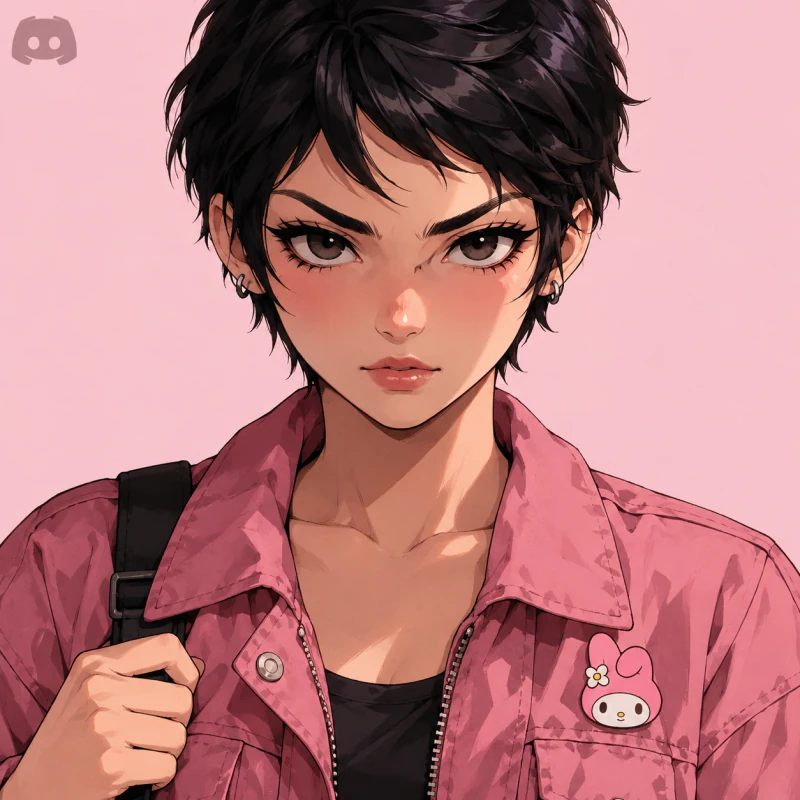
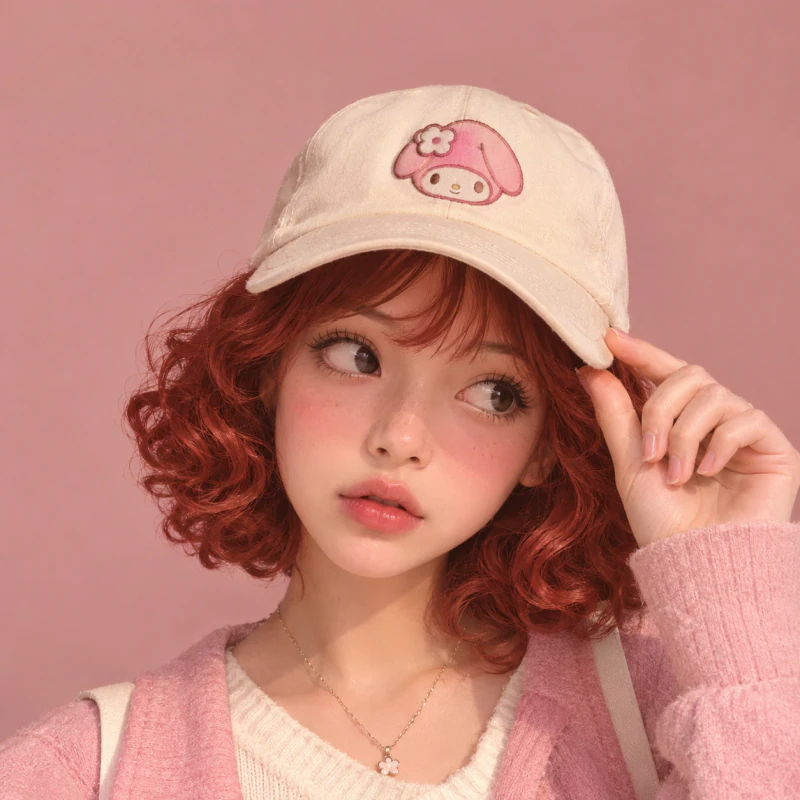
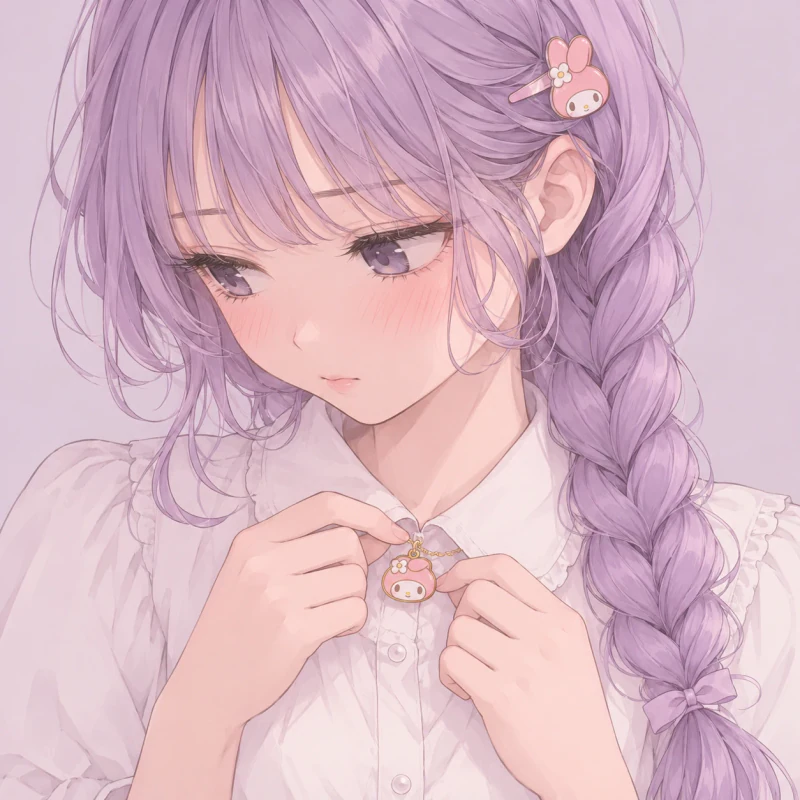
A short haircut leaves more room around the eyes and eyebrows. Longer curls and braids add shape near the shoulders instead. Both approaches can work in a My Melody Girl PFP when the character detail stays clear.
This selection moves between a bright bob, natural curls, a cap, and a soft lilac braid. The expressions also vary, from determined to bashful. You can choose a portrait that matches your mood without changing the whole colour theme of your account.
These pictures suit readers who want a girl avatar rather than a direct rabbit portrait. Try keeping only one themed accessory visible in a tight crop. A large pin or hair slide often reads more clearly than several tiny charms, especially beside small names and message previews.
Dark My Melody PFP 6 pfps
Even a Dark My Melody PFP needs a bright, readable face. These six choices use plum, charcoal, and pink edge light without losing the eyes.
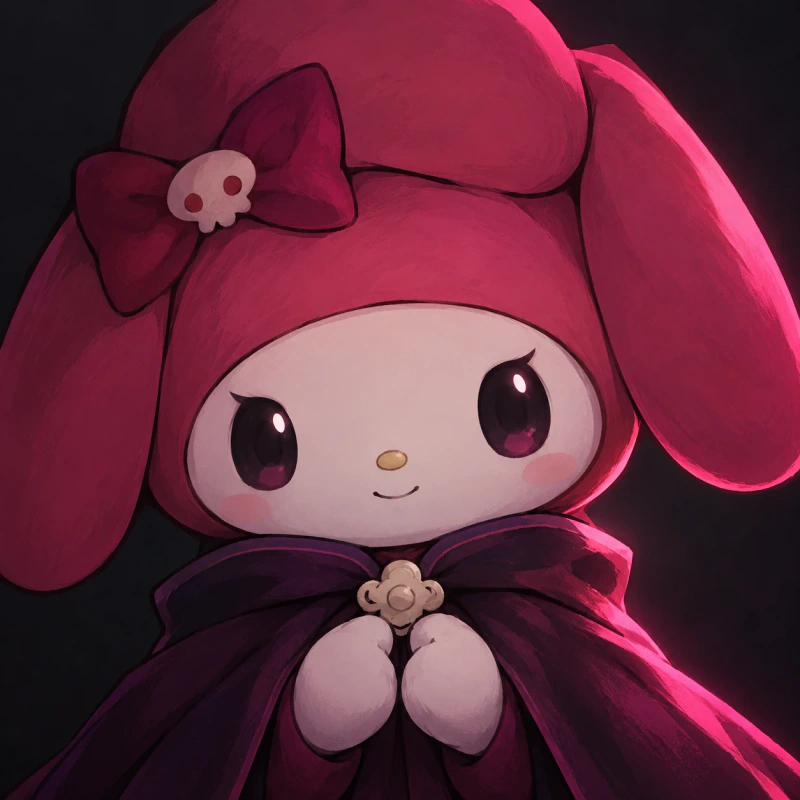
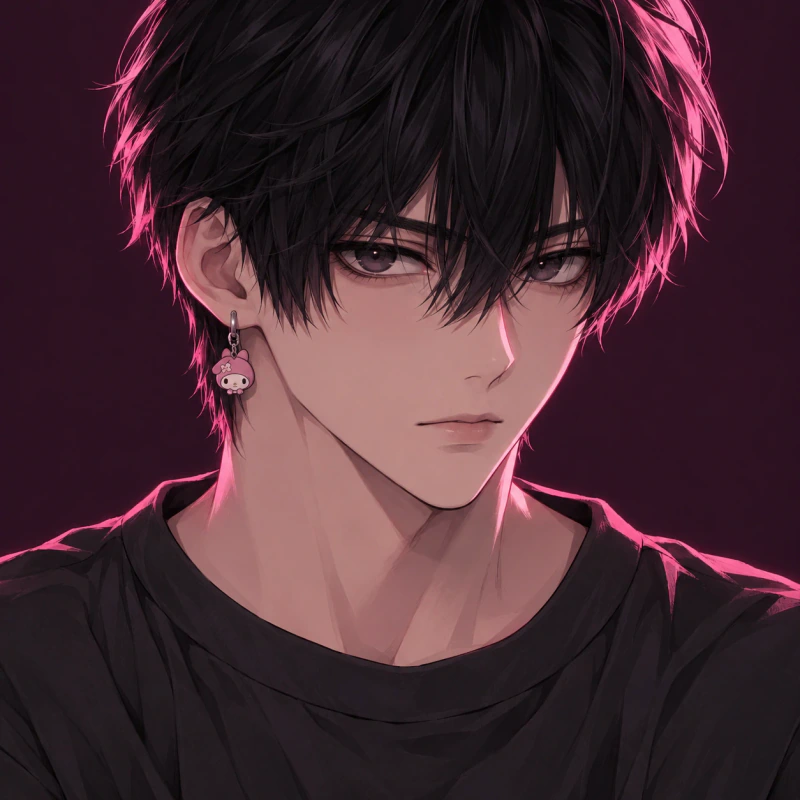
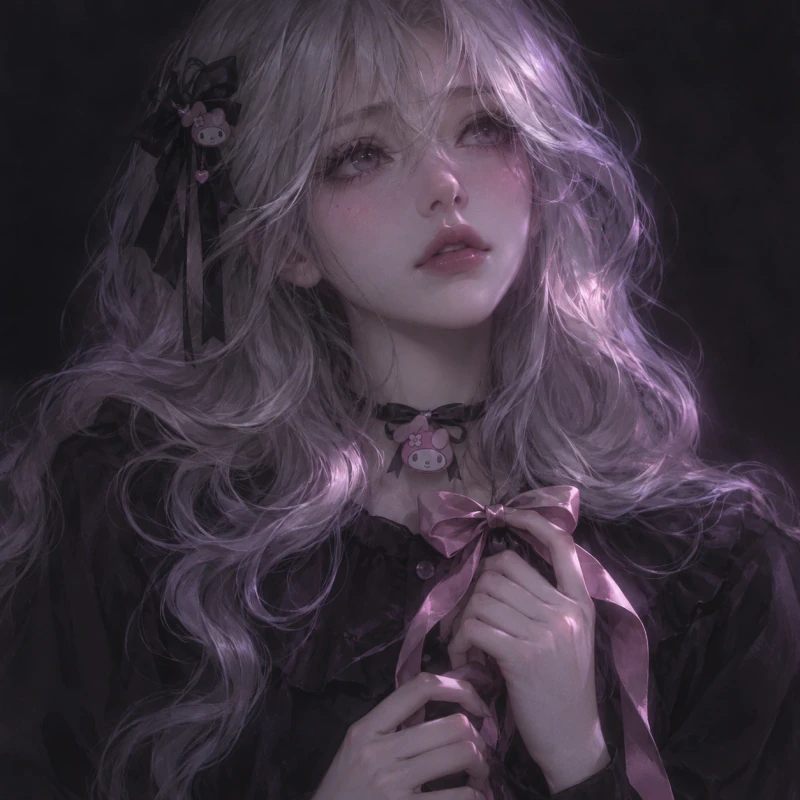
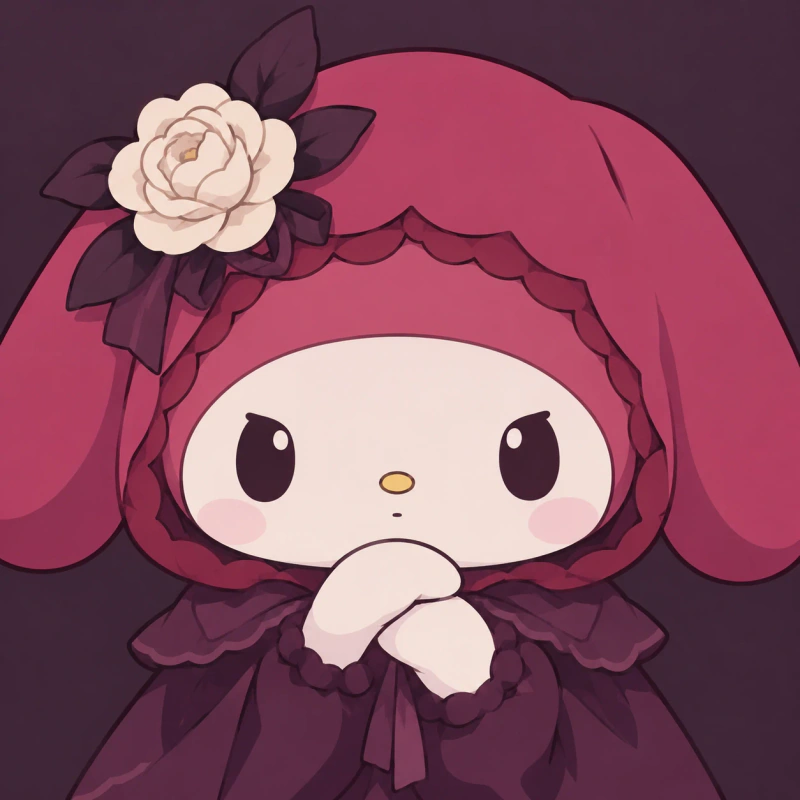
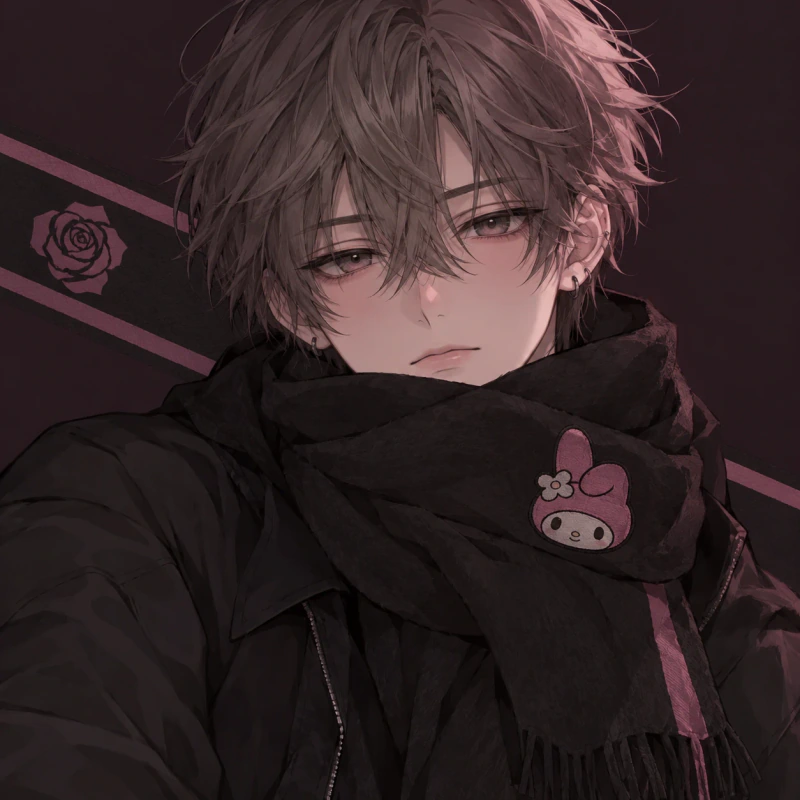

Pink edge light can separate dark hair from a dark background. A little fill light across the cheeks keeps the eyes visible too. Without that second light, the face may disappear when the picture becomes small.
The Dark My Melody PFP choices here use different amounts of contrast. The rabbit portraits keep large pale faces, while the human versions add darker clothing and sharper shadows. Silver hair gives one design a lighter outline, and the violet undercut keeps the forehead open.
Use this style if you prefer charcoal or plum account colours without hiding the character theme. Check the picture at your actual chat icon size before saving it. If you can only see the hood outline, pick a brighter face instead of increasing the darkness further.
Matching My Melody PFP 6 pfps
A Matching My Melody PFP set gives each person one complete picture. These three pairs share colours, lighting, and inward-facing poses without splitting faces or objects.
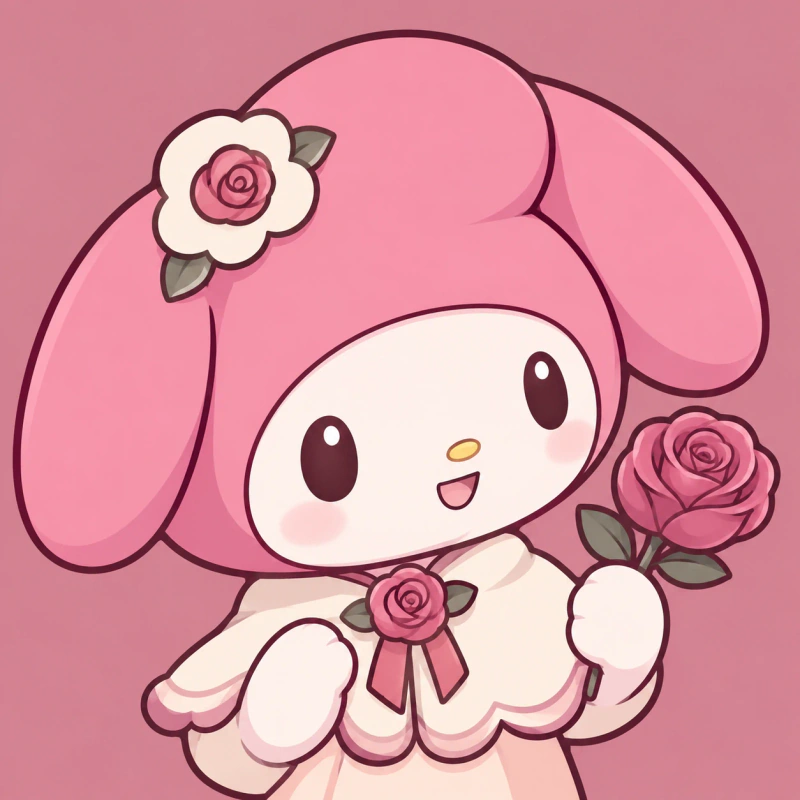
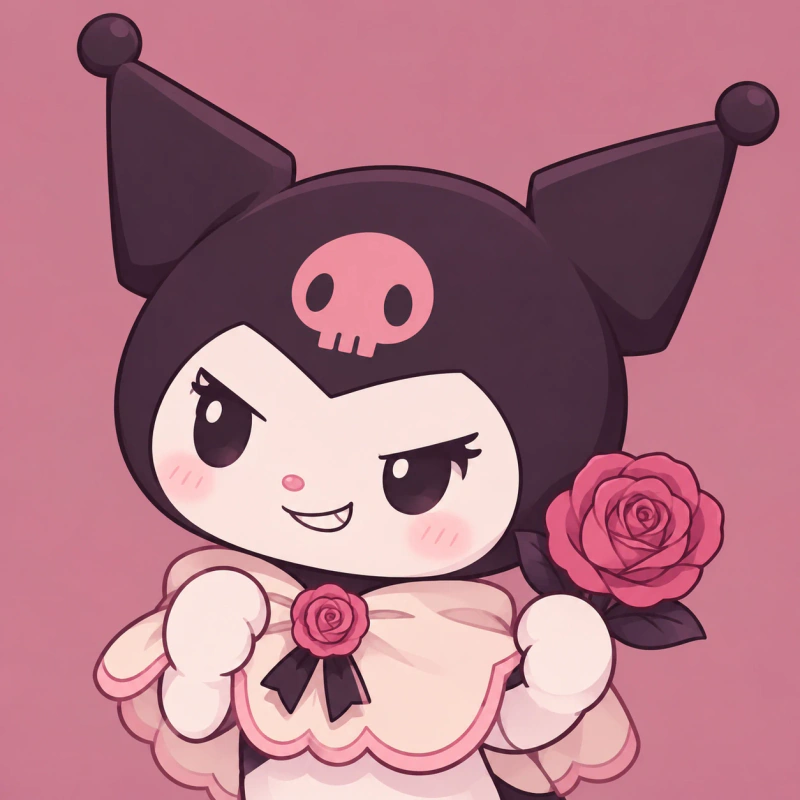
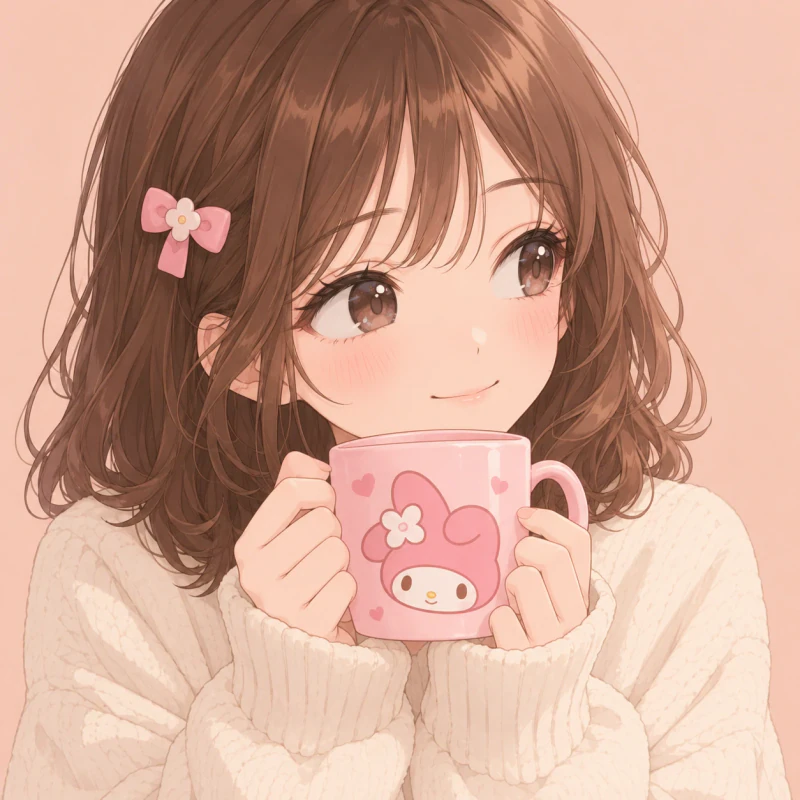

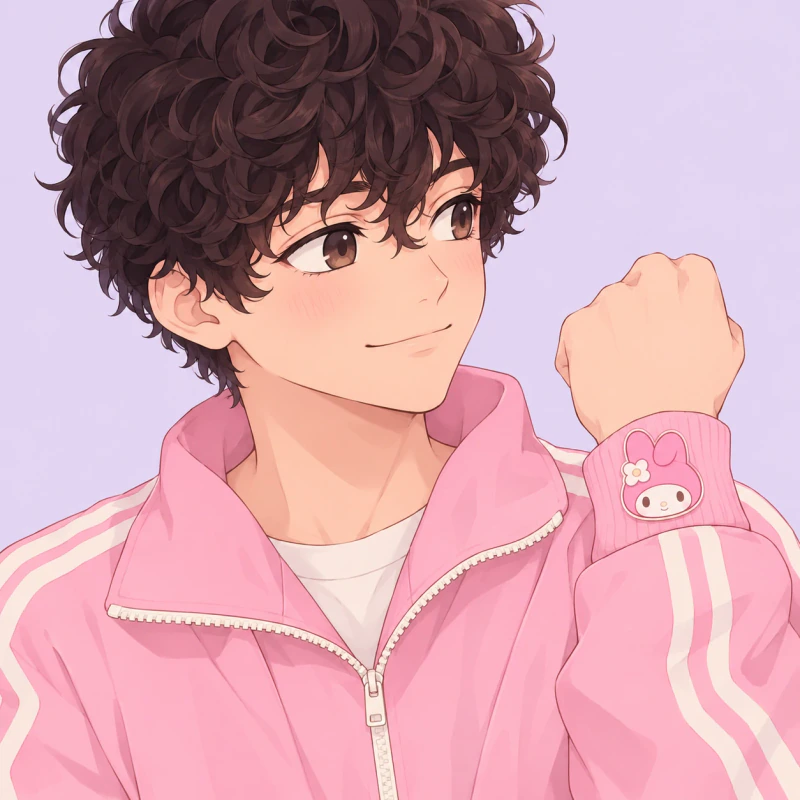
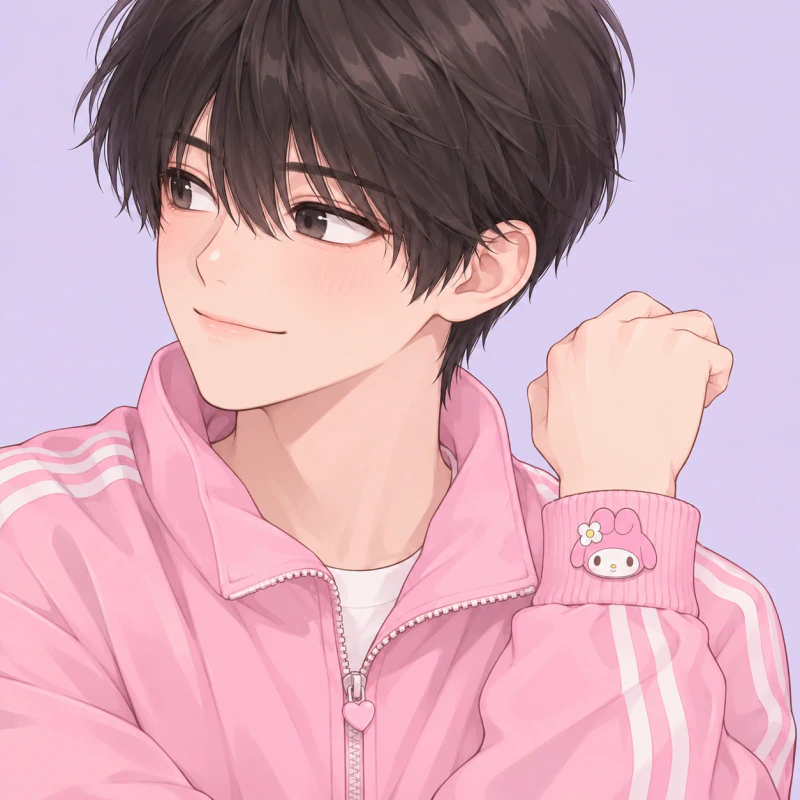
Friends and couples can share a theme without using the same portrait. Each Matching My Melody PFP pair keeps the background, light, and colour treatment consistent. The faces and small personal details still belong to separate characters.
The first pair uses My Melody and Kuromi with complete rose buttons. The second gives a girl and boy their own mugs. The last pair shows two boys with matching cuff badges. Each picture stays complete, so either person can use theirs alone later.
Agree on the same crop height before uploading both pictures. Place the eyes at a similar level and leave equal space above the head. Inward-facing poses help the pictures feel connected when displayed beside each other, but neither face should touch the edge of its square.
How to Use Your My Melody PFP
| Platform | Recommended upload size | How it is shown |
| Discord | At least 128 × 128 px (512 × 512 px keeps it sharp) | Circle |
| 320 × 320 px | Circle | |
| TikTok | At least 200 × 200 px | Circle |
| X (Twitter) | 400 × 400 px | Circle |
| No official size (640 × 640 px works well) | Circle |
Keep the face centred before uploading, then check the app’s circle preview. Leave space above the hood so the ears and flower remain visible. For human portraits, keep themed clips or pins away from the corners. A square file can look balanced before upload but lose key details when the app crops it.
Save the full-quality file rather than taking a screenshot. PNG works well for flat cartoon art with clean edges. Keep one main picture and change only the background shade for seasons or events. Try warmer rose for autumn or pale cream for winter. This keeps your account familiar while giving it a small update.
Save Your Favourites
Your next my melody pfp can be a simple rabbit face, a pink anime portrait, or a softer painted avatar. Cute designs focus on round shapes, while dark options use brighter faces against deeper colours. Matching pairs let two people share a clear theme without dividing one picture.
Save a favourite from the style you would use today, then keep a second choice for later. Before uploading, check the eyes, hood ears, and small character detail inside a circle. A clear face matters more than extra decoration, especially when your picture appears beside a short message. For more soft pastel faces, take a look at our cutecore pfp collection.
FAQ
What makes a good my melody pfp?
A good choice has a clear face, a readable hood or themed detail, and a simple background. Keep the main subject near the centre. Check that the ears, bow, or flower survive a circle crop. Small details should support the face, not compete with it.
Can I use a My Melody PFP without choosing an all-pink picture?
Yes, you can use cream, lilac, charcoal, or muted peach as the main background colour. Keep a clear pink hood or character accessory so the theme remains easy to see. Darker clothing can also balance a pale face. Choose enough contrast to keep the eyes readable.
Can I match a My Melody PFP with Kuromi?
Yes, My Melody and Kuromi can form a coordinated pair. Matching examples use both characters with shared colours and drawing styles. Give each person one complete portrait rather than half of a shared scene. Keep the crop height and lighting similar.
How do I stop My Melody’s ears from being cropped?
Leave extra space above and beside the hood before uploading. Centre the face slightly below the middle of the square. Then check the round preview inside your chosen app. If an ear disappears, zoom out rather than shrinking only the face.
Should I save a cartoon PFP as PNG or JPG?
PNG is a good choice for flat cartoon art with sharp outlines. JPG can work for painted portraits, but strong compression may blur small details. Save the original file at full quality when possible. Avoid repeated screenshots or repeated editing exports.
Can boys use a My Melody profile picture?
Yes, boys can use either the character herself or a human avatar with themed details. A scarf, jacket patch, phone case, or pair of headphones can carry the look. Choose the expression and colours you actually like. You do not need matching clothes or an all-pink account.